
Using no-code Google Maps scrapers can help you build a lead list 10x faster than manual research. This is vital because business data is not static. According to Cleanlist, B2B contact data decays at an average rate of 22.5% to 30% every year.
This “data rot” happens because businesses move, close, or change their contact details. To combat this, Google Maps processes over 20 million status updates every day from users and owners. If you rely on an old database instead of live scraping, nearly a third of your outreach will hit dead ends within twelve months.
In this guide, we will examine the best tools to help you handle the challenges of data extraction. You do not need to be a developer to extract thousands of business profiles. These tools namely Outscraper, Apify, ScraperAPI, Instant Data Scraper, and LobstrIO will help you by turning raw map listings into clean spreadsheets.

What is No-Code Google Maps Scraping?
No-code scraping allows you to pull data from local listings without writing a single line of script. In 2026, most businesses have moved away from manual entry because it is too slow. These tools act as a direct bridge between the map interface and your CRM.
You can use these services to grab business names, phone numbers, and ratings in minutes. Also, they provide ideas for your sales team by organizing raw listings into manageable files. This allows you to focus on selling rather than copy-pasting addresses.
Traditional methods often required a deep knowledge of APIs or Python scraping. Today, no-code tools use simple point-and-click interfaces. They handle the proxies and technical hurdles for you.
Why Use a No-Code Maps Scrapers for Local Lead Gen?
Building a local lead list used to mean spending weeks on manual research. You had to search for a business, click their profile, and copy details into a spreadsheet one by one. No-code Google Maps scrapers change this by automating the entire process.
These tools help you handle the challenges of the local business field without needing a developer. In the area of lead generation, speed is your biggest advantage. Instead of writing custom scripts, you can use pre-built services to pull thousands of data points with a few clicks.
From Manual Searching to Automated Exports
The shift to automation means you no longer have to worry about human error or slow turnaround times. Modern tools extract business names, verified phone numbers, and ratings directly into CSV or Excel files. This allows your team to use their time for closing deals rather than data entry.
Also, these services provide fresh ideas for your sales pipeline by identifying new businesses as soon as they appear on the map. Because they offer a simple interface, anyone on your marketing team can start a crawl. This helps you build a strong, reliable list that stays updated with the latest Google Maps status changes.
Top 5 No-Code Google Maps Scrapers for 2026
Choosing the right tool depends on your specific lead generation goals. While some marketers need thousands of rows daily, others only need a quick list for a local campaign. Below are the top five services that offer speed and reliability without requiring any technical skills.
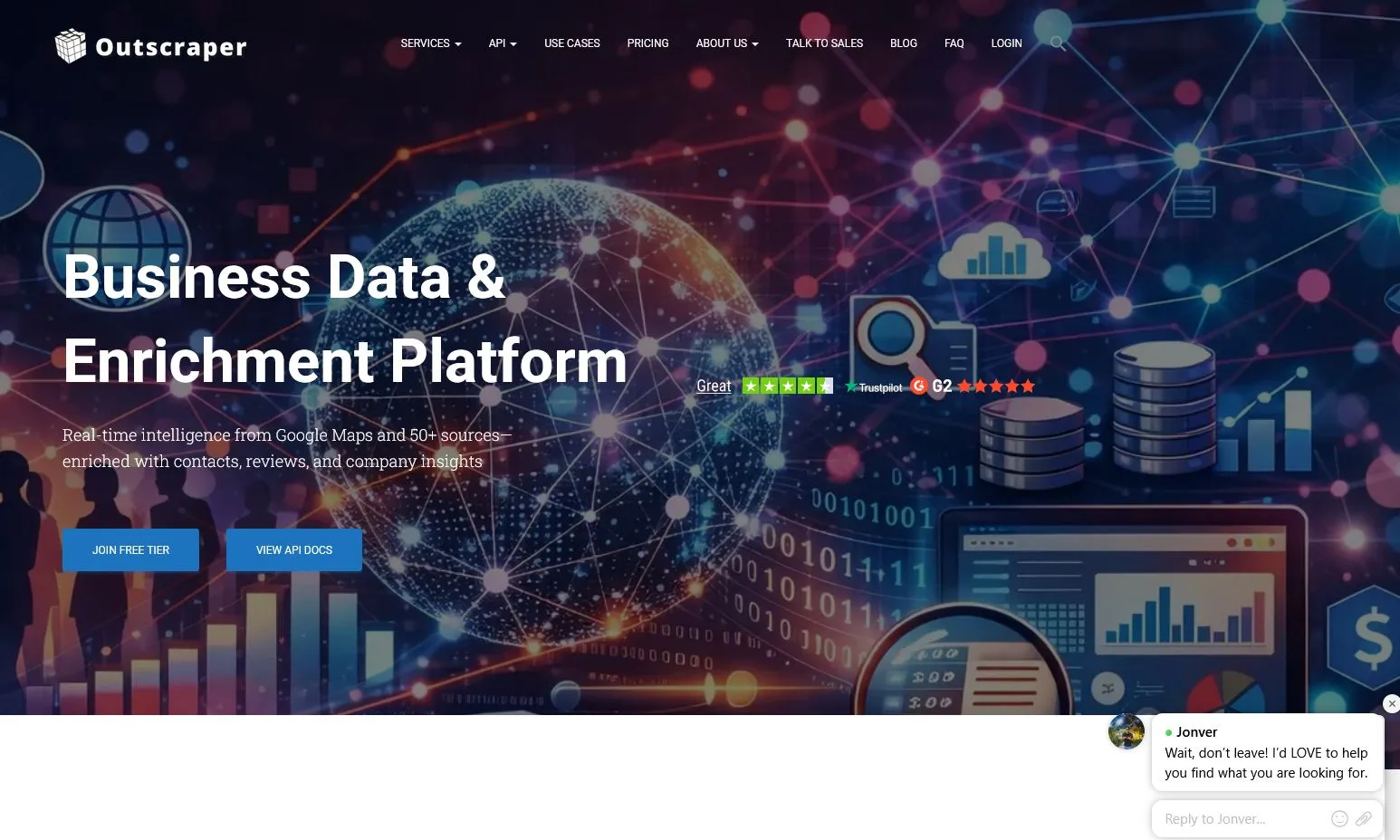
Outscraper: Best for All-in-One Data Enrichment
Outscraper is widely considered the most stable choice for bulk tasks. It stands out because it does more than just pull data from map listings. It can also find verified emails and social media links by scanning business websites connected to the profile.
One of the best features for beginners is the 500-record free tier. This allows you to test the service and build a small lead list at no cost. For larger projects, the platform handles the proxies and anti-blocking measures, making it a reliable partner for scaling your outreach.
Apify: Best for Custom Workflows and High Volume
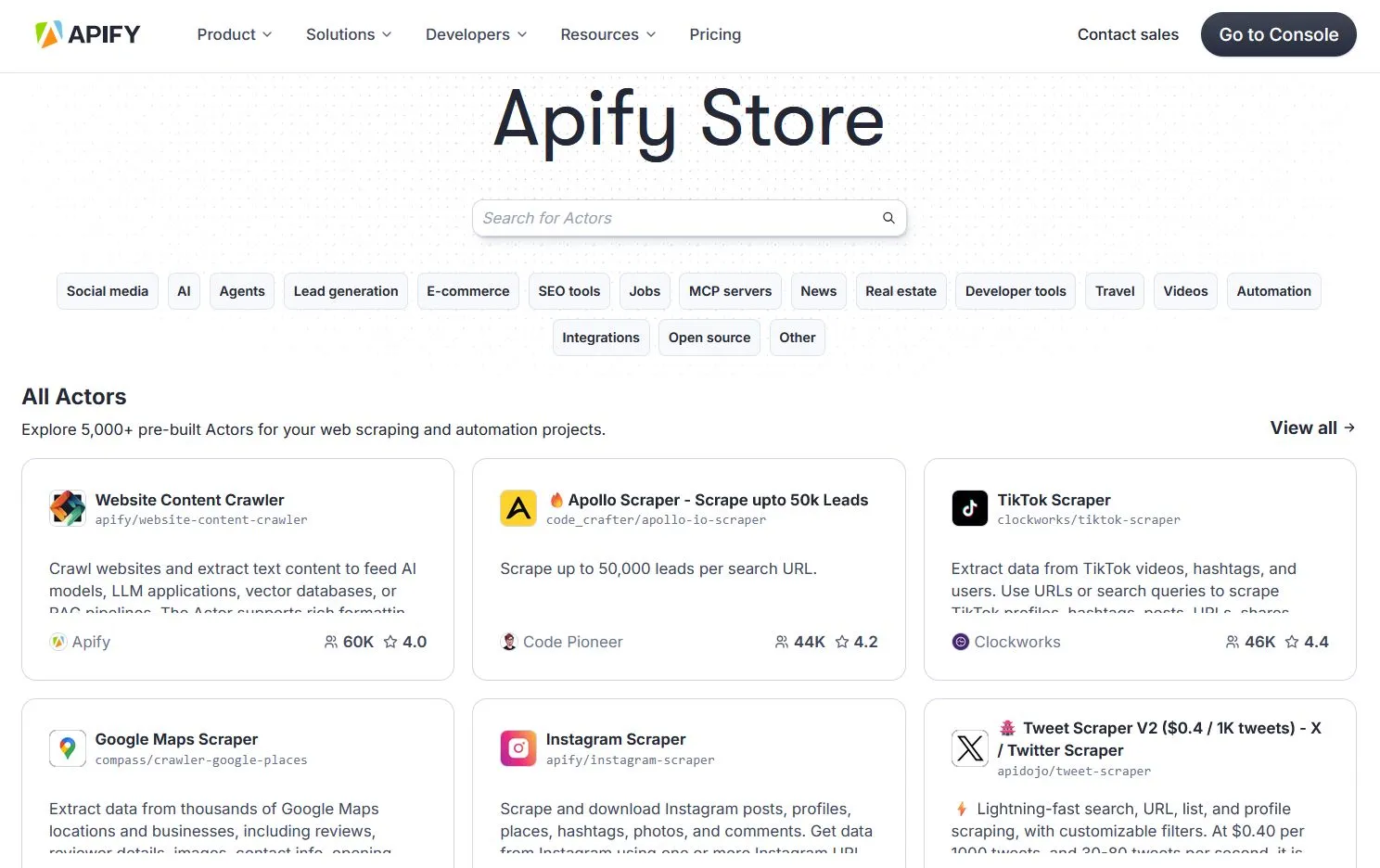
Apify is a cloud-based platform that offers a powerful “Google Maps Scraper” actor. This tool is designed for high-volume users who need to bypass the standard 120-result limit that Google often imposes on a single search. It does this by automatically scanning smaller map areas in a grid pattern to find every possible listing.
The platform provides a $5 monthly credit on its free plan, which is enough to start several small crawls. Because it runs in the cloud, you can close your browser and let the scraper finish the work on its own. It is an excellent option for teams that need highly detailed data in a structured format.
ScraperAPI: Best for Bypassing Anti-Bot Blocks
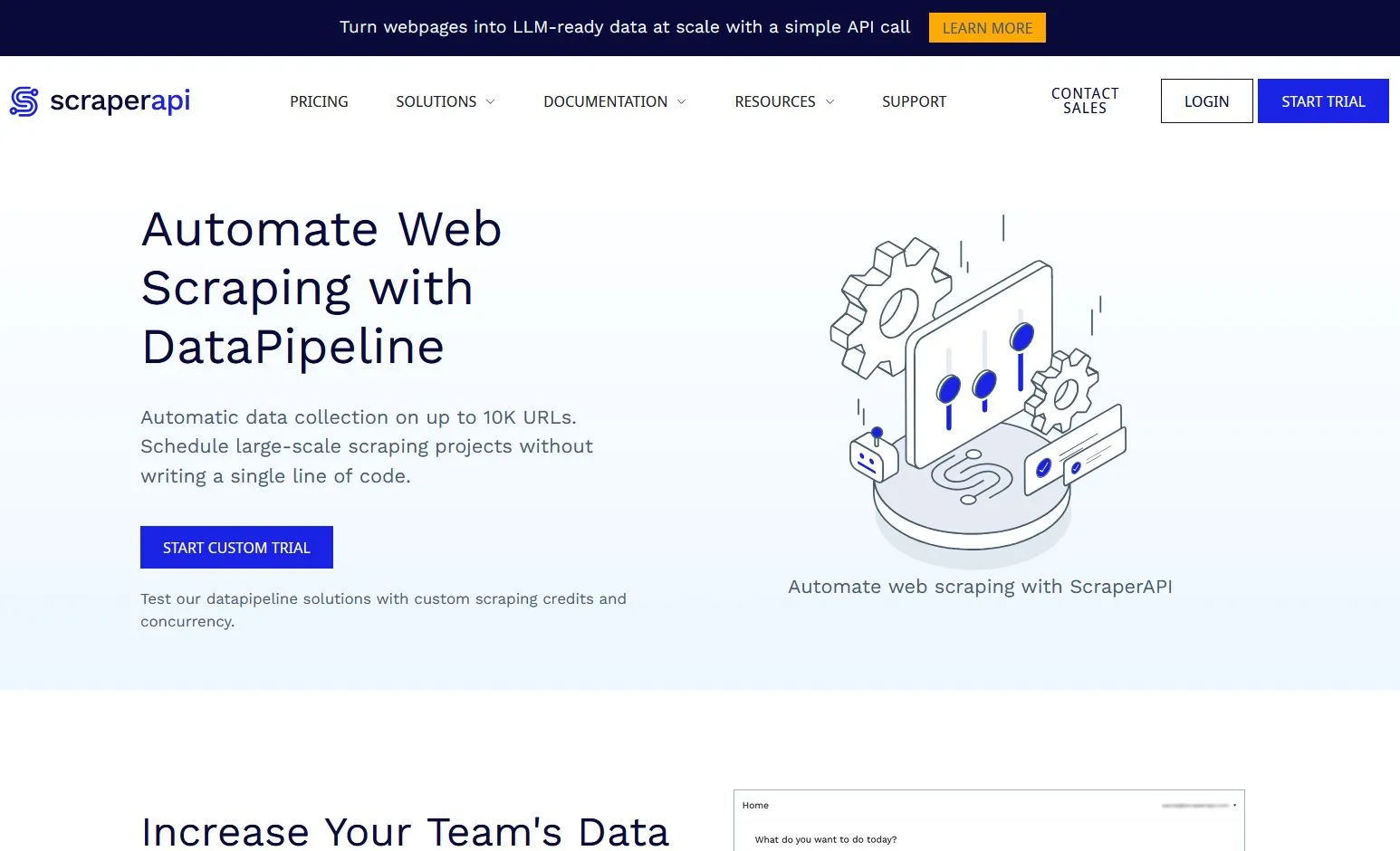
ScraperAPI is a strong choice for those who need to handle the challenges of aggressive anti-bot detection. While it is often used by developers, its Data Pipeline feature allows no-code users to schedule crawls through a simple dashboard. You just provide a list of Google Maps URLs and let the service do the rest.
The main benefit here is the massive proxy network. It ensures your search never gets blocked or flagged, even when pulling data at high speeds. Also, the first 5,000 API credits are free, giving you plenty of room to test its performance on local business searches.
Instant Data Scraper (Chrome Extension): Best for Quick, Free Tasks
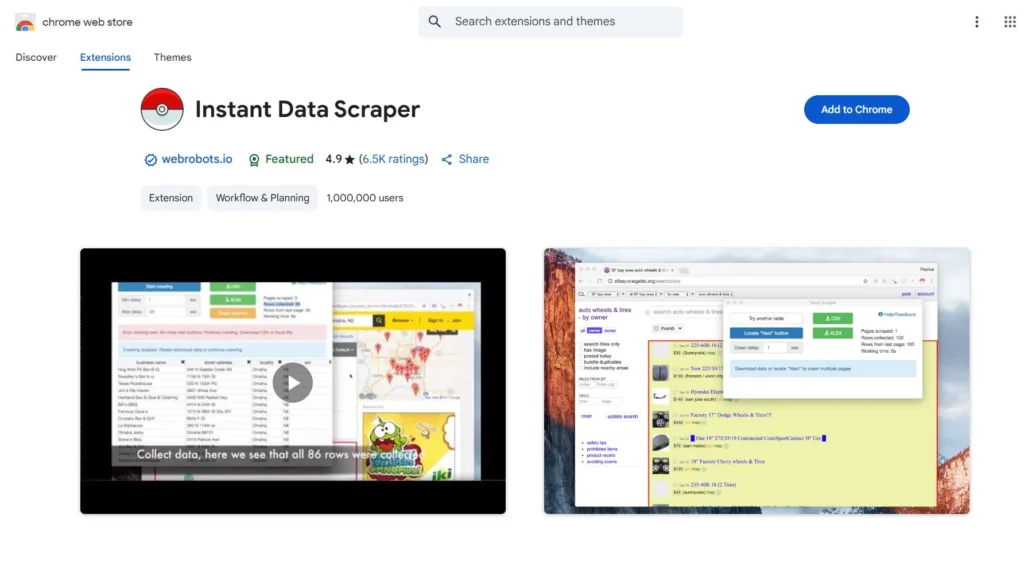
If you are looking for a zero-setup experience, Instant Data Scraper is a top choice. This Chrome extension uses a one-click approach to detect tables and listings on your screen. You simply run a search on Google Maps, click the extension, and download the results.
The main limitation is the 120-result “wall” because the extension only sees what is currently loaded on your page. This makes it a perfect fit for small, one-off lists where you do not need a massive database. It is entirely free and runs directly in your browser.
Lobstr.io: Best for Scheduled Lead Lists
Lobstr.io is built for marketers who want a “set it and forget it” approach. Using its “Squids” feature, you can automate recurring searches to ensure your CRM stays updated with fresh leads. You can schedule these tasks to run daily or weekly without manual intervention.
This tool is especially helpful for tracking new businesses as they appear in a specific area. It offers a clean interface and connects directly to Google Sheets or other services. It is a strong choice for maintaining a steady flow of prospects over time.
Key Features to Look For in a Lead Gen Scraper
Not all scrapers are built the same way. When choosing a tool for lead generation, you need to look for features that go beyond simple name and address extraction. High-quality data helps you filter out inactive businesses and focus on high-value prospects.
One important field to look for is “Claimed Status.” If a business has not claimed its profile, it might be less active or more open to digital marketing services. Also, review counts and star ratings give you ideas about how a business treats its customers.
Essential Data Fields for Better Targeting
A good scraper should provide in-depth information about the business website and its social media presence. Simply having a URL is not enough. You want a tool that can verify if the website is active or if it contains a contact email.
Detailed fields like opening hours and price levels are also useful for local campaigns. These data points allow you to segment your list by business size or service type. Without these details, you are left with a flat list that requires more manual work to clean.
Browser-Based vs. Cloud-Based Tools
You should understand the difference between browser-based and cloud-based scraping for your workflow. Browser extensions are great for quick, small tasks because they require zero setup. However, they are limited by your computer’s speed and the “wall” of results currently loaded on your screen.
Cloud-based services are better for scaling your lead generation. These tools run on external servers, allowing you to scrape thousands of listings without keeping your browser open. This approach is more reliable for building large databases and handles the technical challenges of proxy management for you.
How to Avoid Blocks and CAPTCHA While Scraping
Scraping Google Maps with high volume can trigger security measures if your activity looks like a bot. To build a reliable lead list, you need to handle the challenges of anti-scraping technology. Most modern no-code tools help you stay invisible by using advanced rotating proxies.
These services use residential proxies that make your search look like it is coming from a real home internet connection. Also, they use headless browsers to load the map interface just like a human would. This simple shift in technology is what prevents your IP address from being flagged.
Mimicking Human Behavior for Better Results
Setting a realistic scraping speed is an important part of staying undetected. If you try to pull thousands of records in a few seconds, Google will likely show a CAPTCHA. Instead, you should use tools that allow you to refine your request timing to mimic a natural browsing pace.
Good scraping services will automatically spread out your requests over several minutes or hours. This approach is much more effective for long-term lead generation because it keeps your account safe. By following these human-like patterns, you can collect all the business details you need without constant interruptions.
Turning Scraped Data into a Sales Process
Collecting business listings is only the first step in your customer acquisition plan. To turn a raw list into revenue, you must clean your CSV files before starting any outreach. This involves removing duplicate entries and fixing broken formatting to ensure your data is ready for a CRM.
Most modern teams use services like HubSpot or Pipedrive to manage their prospects. By importing a clean spreadsheet, you can track every interaction and set reminders for follow-ups. This simple organization keeps your sales workflow moving and ensures no high-value leads are forgotten.
Why Recent Activity Matters for Your Sales Plan
One of the best indicators of a lead’s current activity is their “recent reviews” section. If a business has received multiple reviews in the last thirty days, they are actively engaging with customers. This suggests they are more likely to invest in services that help them manage their growing local presence.
Also, businesses with frequent updates are often easier to reach. You can refine your list by prioritizing these active companies over those with no recent feedback. By focusing on businesses that show signs of life, you save time and increase your chances of connecting with a responsive prospect.
Which No-Code Google Maps Scraper Should You Choose?
Selecting a no-code Google Maps scraper depends entirely on the volume of leads you need and your budget. No single tool fits every situation, but you can narrow your choice by focusing on your primary goal.
If your focus is on getting the most detailed data possible, Outscraper is the best choice. It excels at finding extra information like emails and social media links that other tools miss. Its stability makes it a reliable partner for building a solid foundation for your sales outreach.
Matching the Tool to Your Workflow
For teams that need to extract a high volume of data without being blocked, ScraperAPI is the strongest option. It uses a massive proxy network to handle the challenges of bot detection automatically. Also, its credit system allows you to test the service extensively before committing to a paid plan.
If you only need a quick, small list for a one-off project, Instant Data Scraper is the most efficient pick. This Chrome extension is free and works with a single click directly in your browser. It is perfect for local tasks where you don’t need to manage a cloud-based dashboard.
By picking a tool that matches your current needs, you can stop doing manual research and start building your contact list today. Each of these services helps you turn public map data into a functional list of prospects.
Build your Lead Machine Today
Frequently Asked Questions (FAQ)
Scraping publicly available information for business use is generally legal. However, you must follow local privacy rules and Google’s terms of service. Most tools help you stay compliant by only pulling data that a user could find through a manual search.
No, these services are designed for marketers and sales teams who want to avoid the challenges of writing scripts. They use simple point-and-click interfaces or cloud-based dashboards that do all the technical work for you. You can export your list to a clean spreadsheet in minutes.
Google Maps profiles usually do not list direct emails. However, advanced tools like Outscraper can scan the business website linked to the profile to find contact details. Also, they can pull social media links to provide more ways for your team to reach out.
To avoid being flagged as a bot, you should use tools that offer residential proxies and headless browsers. These features help you stay invisible by making your search look like a regular person’s activity. Setting a slower, natural scraping speed is also important for long-term safety.
Business data changes quickly, with nearly 30% of contact details decaying every year. If you buy an old list, many of the phone numbers and addresses will be outdated. Live scraping ensures you handle the latest status updates and only contact businesses that are currently active.
Pingback: Top 10 Google Maps Scrapers Compared (2026 Update) - MapScraping